
IN THE OFFICE. ON THE JOB.
Same job.
Same page.
Keep the people doing the work connected to the people keeping it moving.
THE BUSINESS SIDE OF BUILDING
You bring the craft. We bring it all together.
Quotes, crews, customers, and payments — one clear path from the first call to the final invoice.
 Built around the people doing the work.Meet the people behind Prumo
FOR THE PEOPLE
WHO MAKE IT HAPPEN.
ONE JOB. ONE CONNECTED STORY.
A quote shouldn’t be the end of the conversation.
Prumo keeps every detail moving with the job,
so nothing gets lost between steps.
Bring the customer, property, photos, and scope into one request. Pick up the conversation with the details already in front of you.
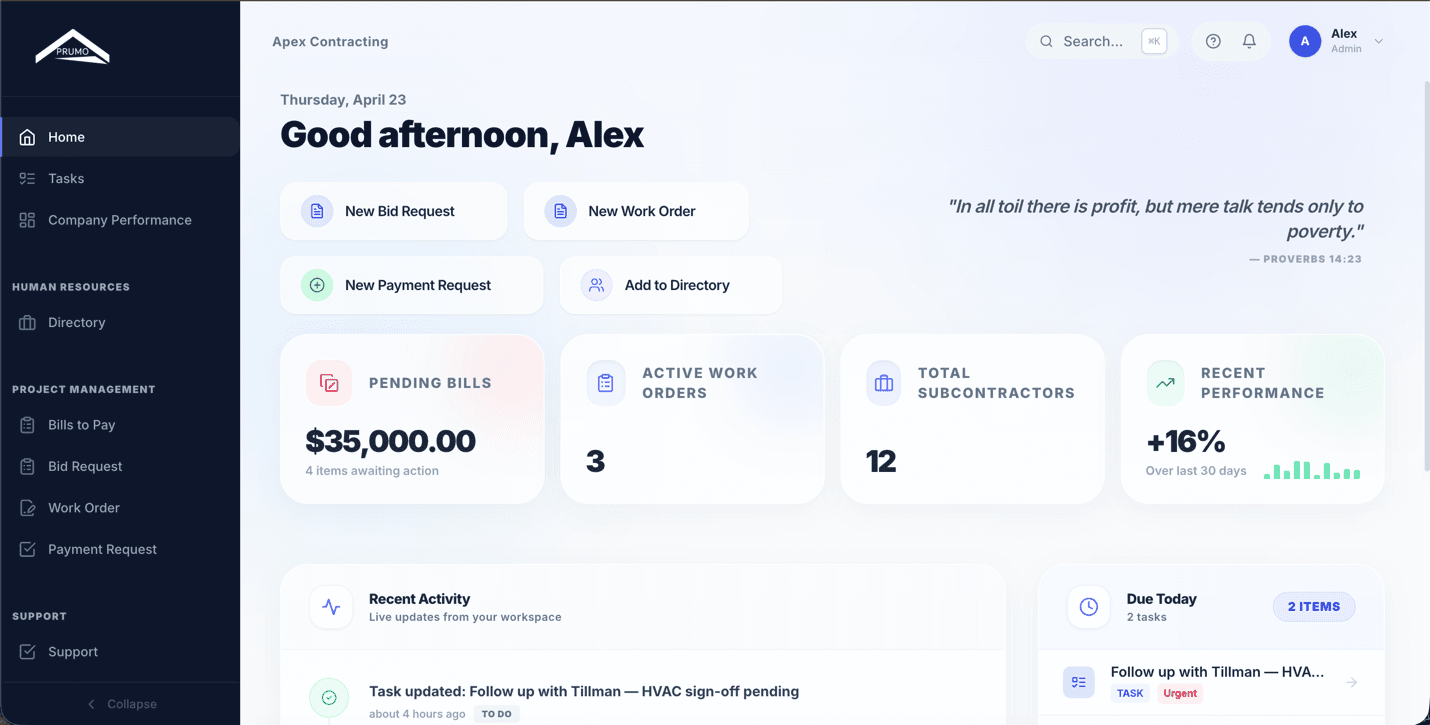

A CLEARER DAY. A STRONGER BUSINESS.
Less piecing things together.
More confidence in what comes next.
IN THE OFFICE. ON THE JOB.
Keep the people doing the work connected to the people keeping it moving.
Schedules, work orders, and field updates give everyone the context to get on with the job.
Scheduling on all plans · Work orders on ProKeep quotes, approvals, and invoices easy to find in the Customer Hub. A professional experience, with your business at the center.
Customer Hub on every planLet Leo help shape the draft while you bring the judgment. AI assistance keeps you in control of what goes out.
AI assistance on Pro · Human review comes first
REAL PEOPLE. PRACTICAL SOFTWARE.
There’s a lot more to running a contracting business than the work people see. The follow-ups. The revised scope. The schedule that changes before the day even starts.
At Prumo, we’re building around that reality. Gabriel and the 7 Pro Labs team bring the customer, the field, and the office into one connected workflow — with a little more clarity for the people making it all happen.
A PLAN FOR THE WAY YOU WORK
Try the full Pro experience for 14 days, on us.
Then choose the plan that fits your business. No credit card to start.
Bring your customers, jobs, and everyday operations together.
Keep the field, your subcontractors, and the business moving.
Bring your team’s WhatsApp conversations into the picture.
Prices in USD, billed monthly. Pro+ WhatsApp requires Meta verification and provider setup.
Add your company. Create a request. Let the setup checklist guide the rest.
Every new contractor workspace gets 14 days of the complete Pro feature set. No credit card is required. The plan you select is the one you intend to activate after the trial; it does not limit your Pro trial access.
Prumo is built for contractors managing customer requests, quotes, jobs, crews, and invoices. Whether you handle renovations, installations, maintenance, or specialty trades, the core workflow follows the work from the first request to payment.
Yes. Team roles control workspace access, the worker and subcontractor Portal keeps field work connected, and the Customer Hub gives customers access to their documents and decisions. Pro adds subcontractor procurement, timesheets, work orders, and payment requests.
No. Start with your company profile and first customer or request. The setup checklist helps you return to team invitations, your website form, email, calendar, payments, and automations as you need them.
Pro includes AI assistance for office work, with drafts kept for human review. Pro+ adds the shared WhatsApp Inbox and optional AI-assisted replies. WhatsApp needs a connected number, Meta business verification, and provider setup; it is not included in the Pro trial.
BACK TO WHAT YOU DO BEST
14 days of Pro. No credit card required.